As mentioned in a previous post I am using openGrid as a modular baseplate for my current robot project.
I’ve made a simple raspberry pi mount in Fusion that can be snapped onto the grid. Honestly it was harder then expected to import the STEP files and move them around and join them to the base plate.
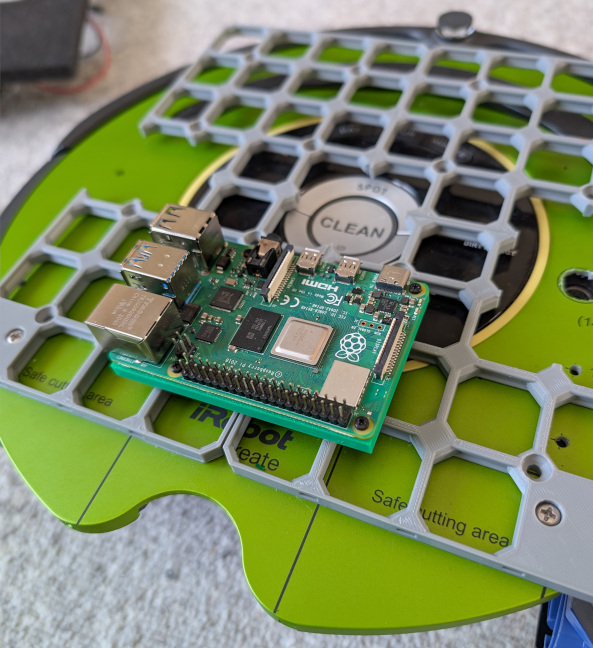
Perhap that’s just my inexperience with the tool. That said, I’m a programmer so I’ve found myself back at OpenSCAD to create a program to generate a generic snap mount.
OpenSCAD Generator
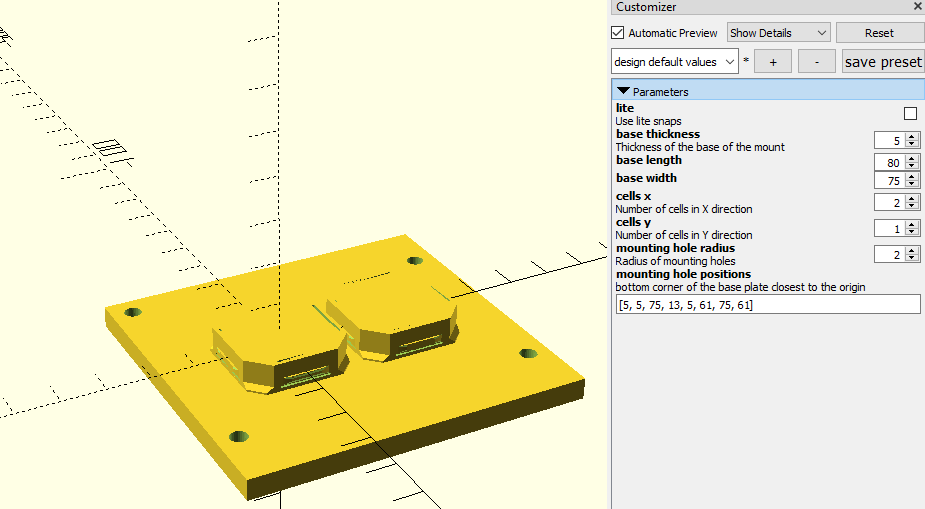
Pretty simple. I borrowed the code for the snap itself from the upstream openGrid generator. The parameters in the window allow the user to define the X and Y for a grid of cells. Another set of parameters allow defining the dimensions for the base plate of the mount. Finally mounting holes can be input in of x,y coordinates. The mounting holes can also be countersunk if needed.
Mounting Sensors
I generated a mount for an RPLidar and a Realsense camera.
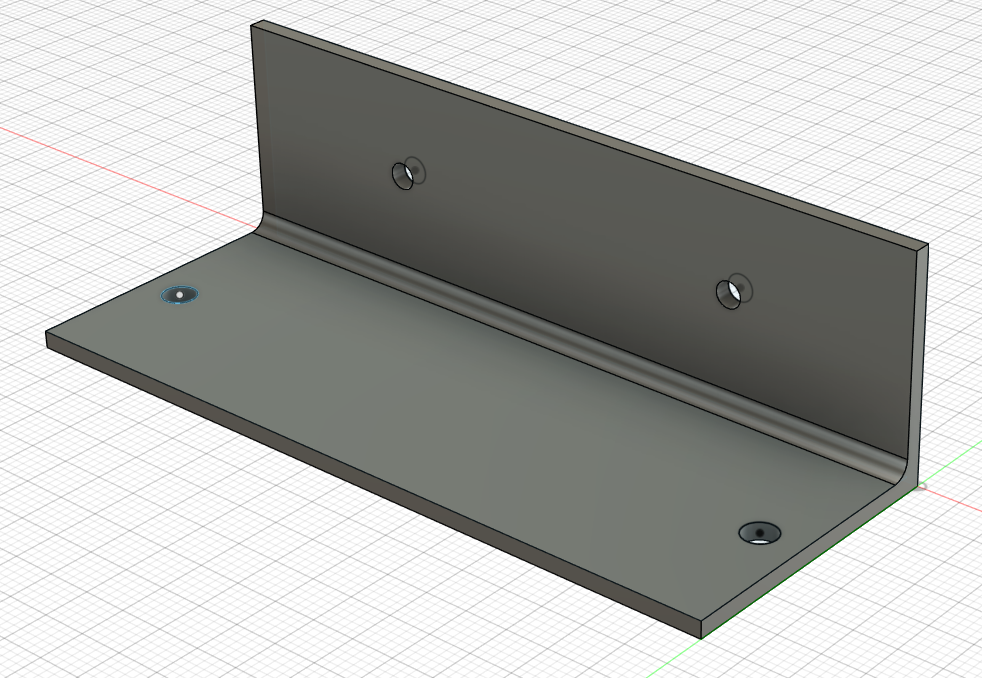
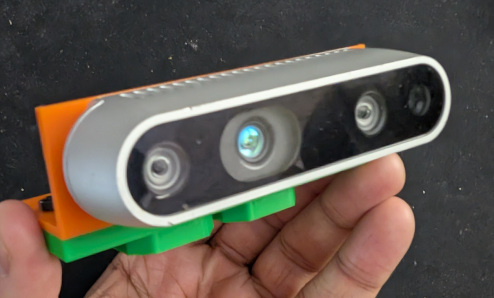
For the realsense camera I had to create a bracket at could be connected to the snap connect and hold the camera. That I did in Fusion.
The 3D printed parts look like this:
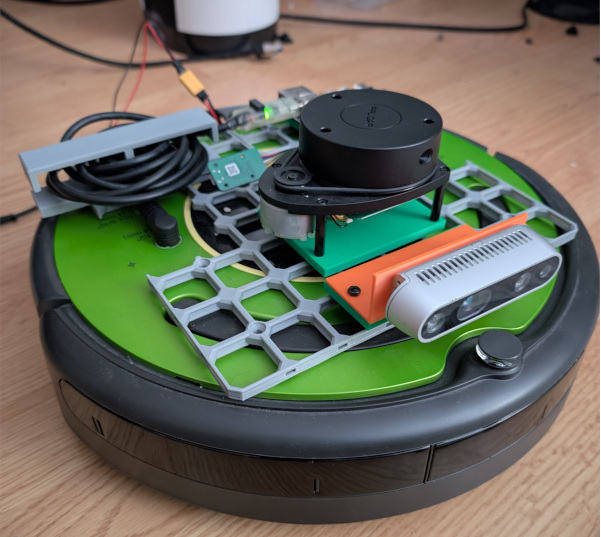
And the full robot:
RPLidar and Realsense added!
As a side note, I’ve test the driver for both a bit already and that looks good.
Next Steps
URDF setup with the new sensors and simulation bringup!
1 post references this page